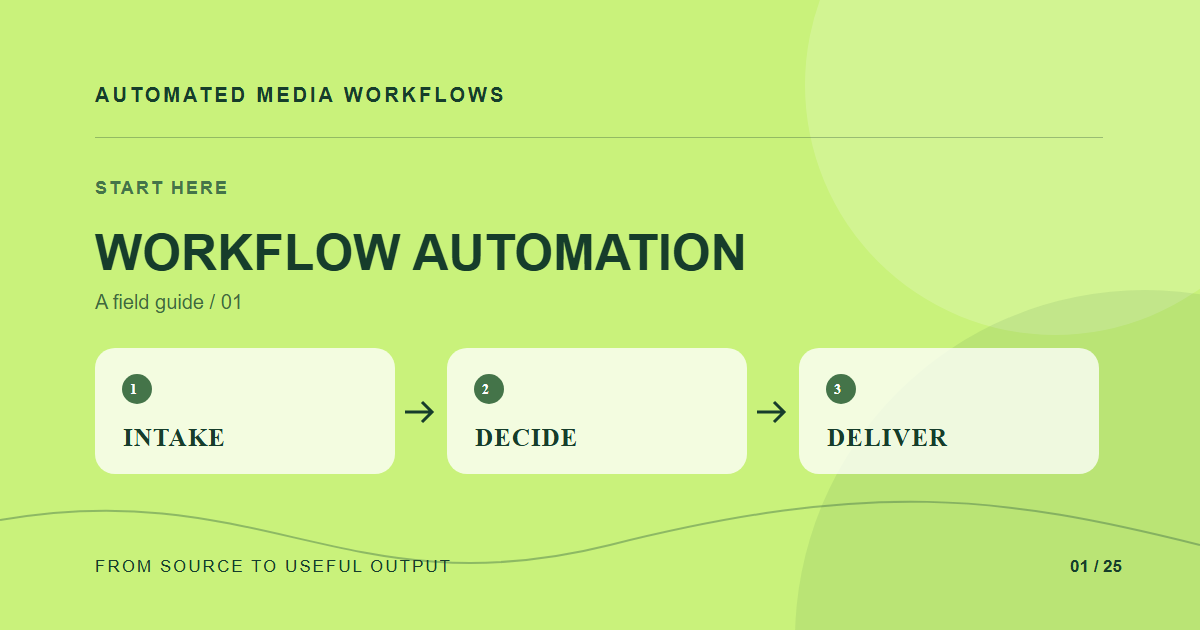
Automating a media workflow means moving an asset through repeatable decisions: intake, validation, transformation, approval, publication, and monitoring. Start by drawing those decisions before selecting software. A script that resizes images is useful, but it does not solve unclear ownership or an approval queue that nobody checks.
What should a media workflow automate first?
Choose a high-volume handoff with a measurable delay. For many teams that is the trip from an approved source image to the web-ready variants a site needs. Record the trigger, input, expected output, owner, and rejection path. Keep creative judgment and rights decisions visible to people who can make them; automate the mechanical steps around those decisions.
Draw the asset lifecycle
Give each source asset a stable identifier. Store the original separately from derived files and record which transformation produced every derivative. An event such as “upload completed” can start validation. A validated asset can enter a review state; an approved asset can produce channel-specific renditions. Publication should use the approved version, not whichever file was uploaded last.
Decide where automation belongs
Use a small script when one team owns one predictable workflow. Use a job queue when work can be slow, retried, or interrupted. Use a media platform when transformation, delivery, metadata, and governance need to work across several applications. The useful test is whether the next change will be a local adjustment or another fragile integration.
Prove the first workflow
Take ten real assets through the proposed path, including one duplicate, one unsupported format, and one rejected approval. Measure elapsed time, failed jobs, manual touches, and whether the final URL renders the intended version. Only then expand the automation to the next handoff.
A concrete example
A weekly article team receives a 4000-pixel photograph, approves one crop, and needs a hero plus two card sizes. The first automation can validate the source, save it under one ID, generate those three outputs, and attach the approved version to the article. The editor still chooses the crop and writes alt text; the pipeline records what was published.
Related reading
- How to Test a Media Workflow Before and After Launch
- How to Audit a Media Workflow Before Automating It
- Automated Media Ingestion: From Upload to Ready Asset
- Build an Image Transformation Pipeline From One Master
Primary reference
The Cloudinary platform documentation provides the underlying technical reference for this workflow.