THE FIELD GUIDE LIBRARY
All guides.
Explore the decisions, handoffs, and technical details behind reliable image and video workflows.

How to handle media uploads in my Ruby on Rails app with an automated media workflow
A practical guide to Rails media uploads, with implementation steps, limits, failure controls, metrics, and current Cloudinary sources.
How to manage multiple environments (dev, staging, prod) for my media pipeline with an automated media workflow
Implement dev, staging, and production media environments with clear steps, current limits, failure controls, measurements, and first-party Cloudinary sources.
How to add live streaming to my app with an automated media workflow
A practical guide to managed live streaming, with implementation steps, limits, failure controls, metrics, and current Cloudinary sources.
How to set expiration dates on assets to auto-delete old files with an automated media workflow
Learn how to implement asset retention automation with clear architecture, failure controls, measurements, and current Cloudinary documentation.

How to add a logo watermark to uploaded videos with an automated media workflow
Learn how to implement video watermark workflow with clear architecture, failure controls, measurements, and current Cloudinary documentation.
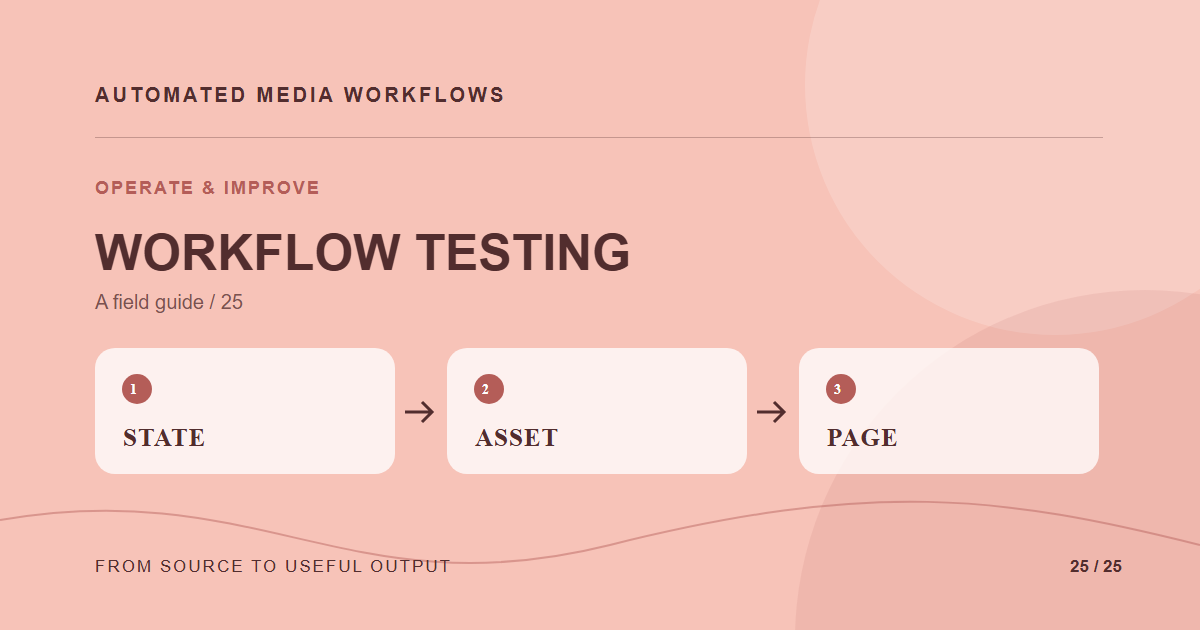
How to Test a Media Workflow Before and After Launch
A media workflow test should prove both process and rendered outcome. An API response that says “created” does not prove the right image appears on a page.
Build vs Buy Media Automation: A Decision Framework
Build a media automation layer when the workflow is narrow, the team can maintain it, and integration control is more valuable than packaged capabilities.
Security Controls for an Automated Media Workflow
A media workflow crosses trust boundaries: uploaders submit files, processors read them, reviewers authorize use, and delivery systems publish results.
Make Media Webhooks Idempotent and Safe to Retry
Make repeated or late media events safe: verify signatures, store event IDs, compare asset versions, and retry work without duplicate effects.