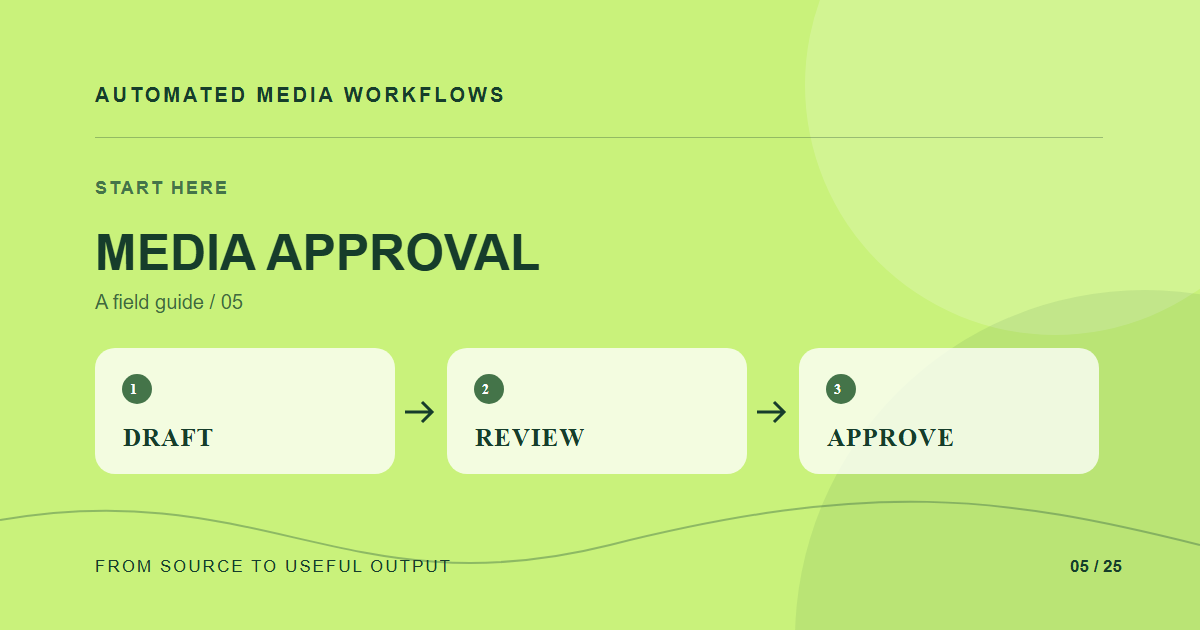
An approval workflow needs explicit states and one authoritative asset version. It should let reviewers say what needs changing, let creators submit a revision, and prevent unapproved files from reaching public channels. A shared folder named “final” does none of those jobs reliably.
Use a small state machine
Draft, in review, changes requested, approved, and archived are often enough to start. Define who can move an asset between states and what evidence is required. The review request should point to one version, include the intended use, and identify the decision deadline. Comments attached only to an email thread are easy to lose when the file changes.
Freeze what was approved
When a reviewer approves version three, store that version ID with the decision. A later upload should create version four and return to review if it changes the public output. The publication step must resolve the approved version, not the latest upload in the folder.
Handle exceptions deliberately
Legal, brand, and accessibility reviews may be separate gates. Avoid forcing every asset through every reviewer when the use case does not require it, but write down the rule. If a deadline needs an exception, record the approver, scope, and expiry instead of creating an invisible shortcut.
Check the result
Test an approval, a rejection, a revised submission, and a revoked approval. Confirm that the public channel either updates to the newly approved version or stays on the earlier approved one. That behavior matters more than a pretty status board.
A concrete example
A designer submits a revised banner after legal approved the prior version. If the system treats the file as a replacement, the unreviewed banner may go live. A versioned workflow keeps version two published, moves version three to review, and switches the public reference only after the required approval.
Related reading
- Media Workflow Automation: A Practical Starting Guide
- Design a Media Metadata Schema Teams Will Actually Use
- Automated Media Ingestion: From Upload to Ready Asset
Primary reference
The Cloudinary DAM documentation provides the underlying technical reference for this workflow.