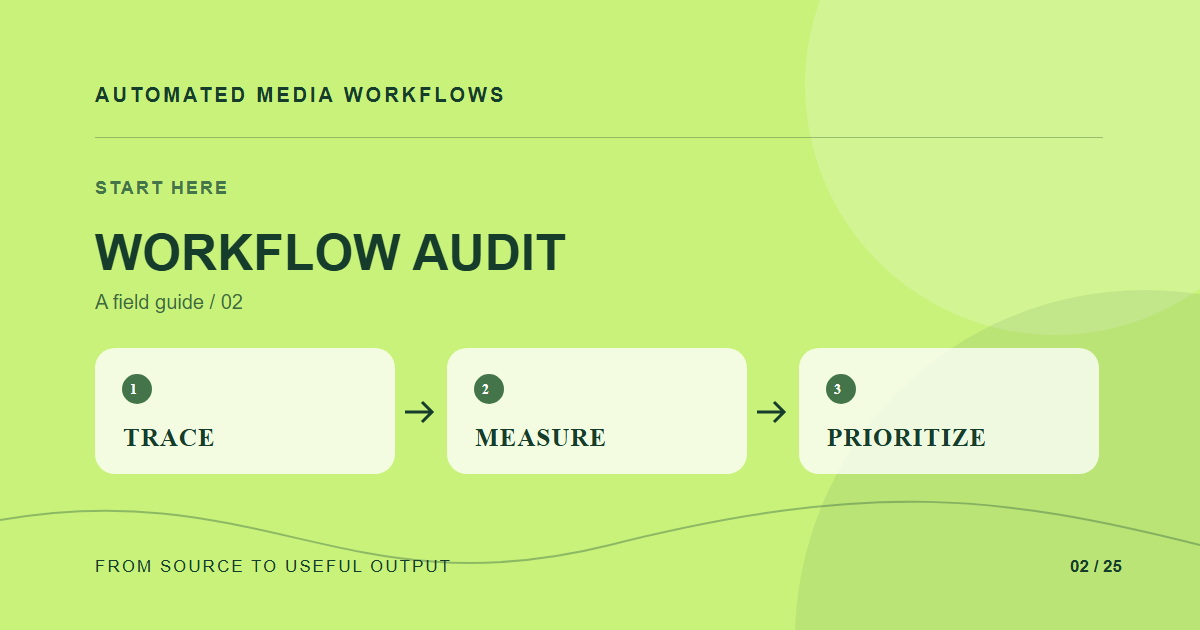
A workflow audit follows an asset from request to publication and records each handoff. It should reveal where files wait, where decisions are repeated, and where people create unofficial copies. A list of tools alone will miss those delays.
Trace one real asset
Pick a recent campaign asset rather than an ideal example. Ask who requested it, where the brief lived, how the original arrived, which edits were made, who approved it, and which channels used it. Keep timestamps and actual file names. If two people describe different versions as “final,” the version rule is part of the problem.
Count touchpoints, not just minutes
Mark every rename, download, re-upload, copy-paste, status message, and manual crop. Note which touchpoints add judgment and which merely move bytes. A useful audit distinguishes a legal review from someone exporting the same dimensions for the fiftieth time. Capture failures too: missing alt text, broken links, stale images, and rights information that disappears between systems.
Turn findings into a first experiment
Rank candidate automations by frequency, effort, and consequence when they fail. Choose one with a clear owner and a safe rollback. Write the trigger, acceptance criteria, and exception route before buying a tool. Compare the new process against the traced baseline using the same asset types and people.
What the audit should produce
Leave with a one-page flow map, a small event vocabulary, a list of required metadata, and a prioritized backlog. Those artifacts help engineers and editors agree on what “ready” means. They also expose whether the team needs an ingestion fix, a better review process, or a delivery change.
A concrete example
An editor downloads a photo from chat, renames it, uploads it to the CMS, then asks a designer for a square version. The audit shows two transfers, one duplicate, and a crop request with no owner. A useful pilot moves the source into one library and records the square placement at request time.
Related reading
- Media Workflow Automation: A Practical Starting Guide
- Asset Naming Conventions That Survive Automation
Primary reference
The Cloudinary DAM documentation provides the underlying technical reference for this workflow.