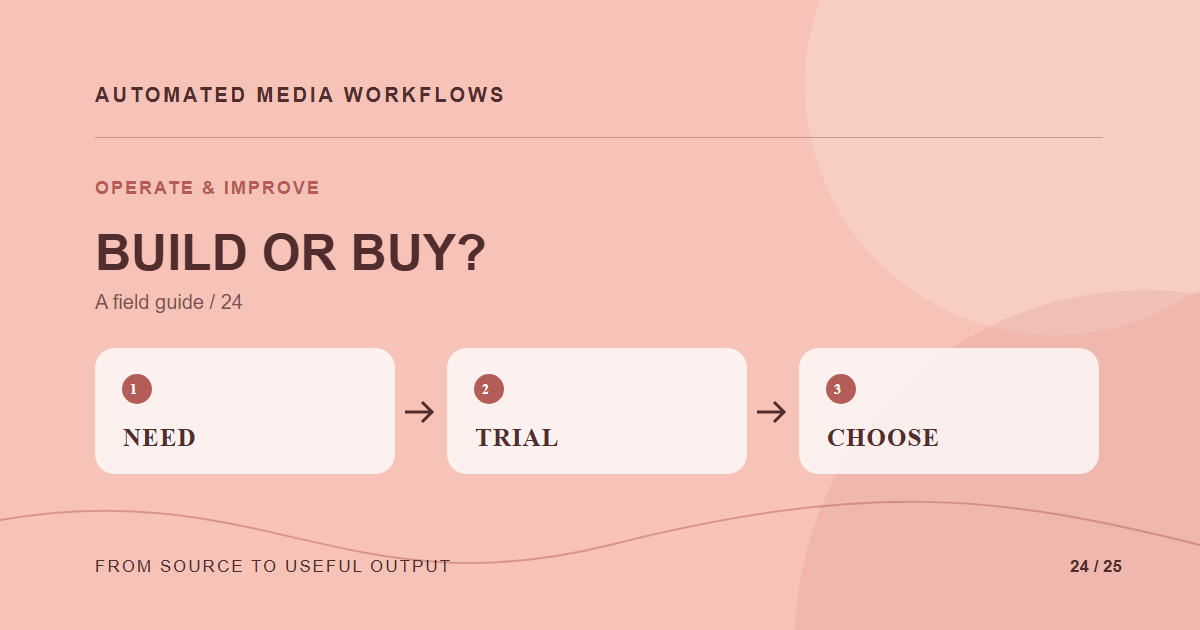
Build a media automation layer when the workflow is narrow, the team can maintain it, and integration control is more valuable than packaged capabilities. Buy or adopt a platform when several applications need the same asset rules, derivatives, delivery, and governance. The choice depends on ongoing ownership, not launch cost alone.
Price the work you will keep
List ingestion, storage, transformations, review, search, delivery, monitoring, migration, and support. A prototype may cover only one or two. Estimate who will update codecs, browser formats, security patches, and channel presets later. Include the editor’s time spent working around a poor interface.
Test a real workflow
Use the same sample assets and placements for an internal build and a vendor trial. Include a bad upload, a rights change, a new crop, and a replacement after publication. Ask how each option exposes state, supports rollback, and exports originals and metadata if you leave.
Avoid an all-or-nothing design
Some teams keep a custom orchestration layer while using a specialist service for image or video processing. That can work if IDs, event contracts, and ownership are explicit. It can also create another integration to maintain, so count that cost.
Make the decision reversible
Keep originals and an exportable catalog. Document transformation recipes in a form that can be recreated. A good decision memo states the workload tested, the constraints, the accepted tradeoffs, and the trigger for reviewing the choice again.
A concrete example
A small team needs one nightly image resize job and already owns its infrastructure. A short script may be easier to maintain. A larger team needs review states, rights controls, video output, and five CMS integrations. Trial a platform on those real tasks and compare ongoing integration work.
Related reading
- Media Workflow Automation: A Practical Starting Guide
- Security Controls for an Automated Media Workflow
- How to Test a Media Workflow Before and After Launch
Primary reference
The Cloudinary platform documentation provides the underlying technical reference for this workflow.
Related field note
Continue with The build-versus-buy decision for multilingual media workflows.