A media workflow test should prove both process and rendered outcome. An API response that says “created” does not prove the right image appears on a page. Build a small test set that includes representative assets, failures, and replacement scenarios.
Test the states
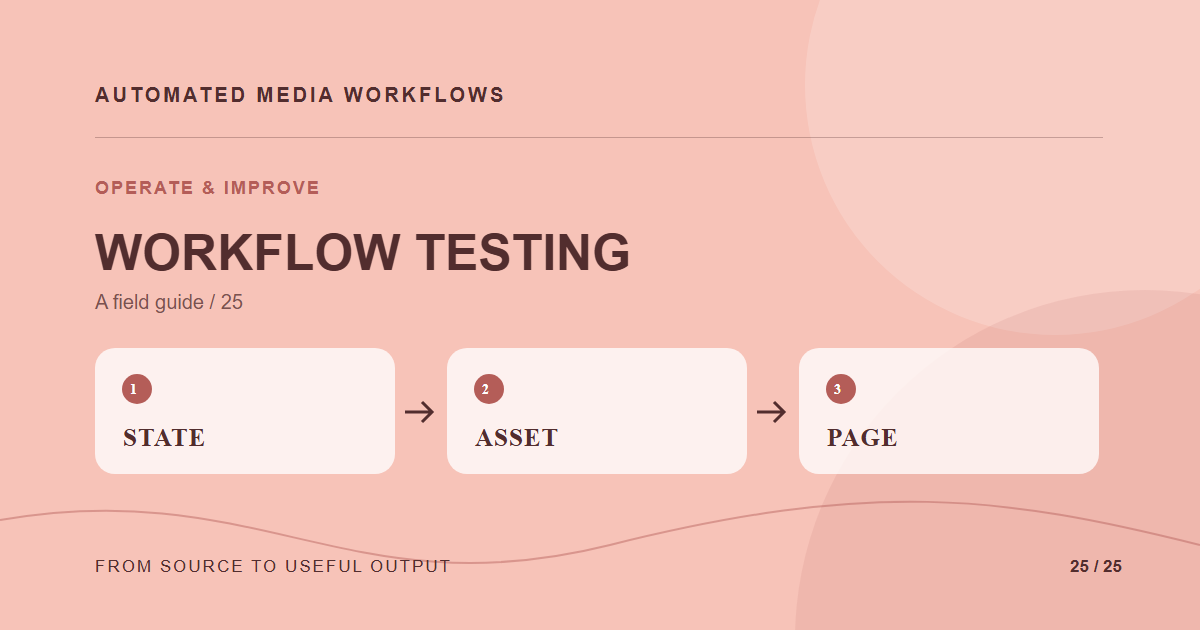
Send a valid upload through validation, review, transformation, and publication. Then try an unsupported file, missing rights, rejected approval, duplicate event, and failed transcode. Check that every case lands in a visible state with a responsible owner and a retry or correction path.
Test the media itself
Inspect dimensions, orientation, crop, format, color, and file size. For video, check audio sync, poster frame, captions, and playback. Use a human visual review for important placements; pixel or status checks cannot tell whether the subject has been cut off.
Test the published page
Open canonical URLs in fresh browser contexts at mobile, desktop, and wide widths. Check response status, broken images, overflow, alt text, and which responsive candidate loaded. Compare a cache-busted URL with the plain URL after replacements. If only the bypassed version is correct, the release is unfinished.
Keep regression cases
Save failures as fixtures with expected outcomes. Rerun them when presets, parsers, CMS integrations, or CDN rules change. Review the test set quarterly so it still represents the content the team actually publishes.
A concrete example
A replacement image passes the API test but shows the wrong crop on a 390-pixel screen. A browser test catches the visual error, while a duplicate-event test catches a second derivative job. Both belong in the regression set because each represents a failure that reached users despite a successful upload.
Related reading
- Media Workflow Automation: A Practical Starting Guide
- Build vs Buy Media Automation: A Decision Framework
Primary reference
The MDN responsive images guide provides the underlying technical reference for this workflow.