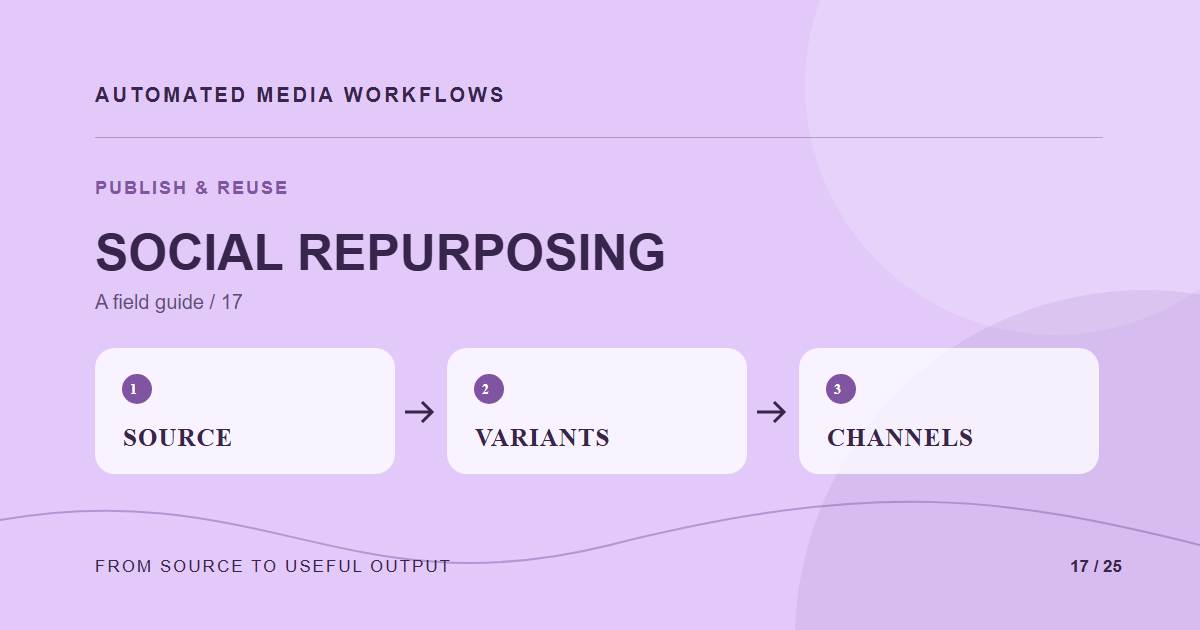
Repurposing an asset works when the original idea survives each channel’s crop, text space, and accessibility needs. Automation can prepare variants and collect them in one review queue. It should not assume a square crop communicates the same thing as a wide original.
Make a placement matrix
For each channel, note aspect ratio, safe area, caption requirements, and whether text is part of the image. Build a small set of transformation presets. Give every output a reference back to the approved source and its rights. The matrix should be reviewed when channel specifications change.
Separate mechanical and editorial work
Resize, format conversion, and safe naming are good automation targets. Headline choice, crop around a person, and whether the image suits a particular audience need editorial review. Present variants side by side so a reviewer can catch clipped text or a changed visual emphasis.
Keep status per channel
One source can be approved for a website but unsuitable or unlicensed for paid social. Record approval at the placement level when necessary. A blocked variant should not hold every other valid use, but it must not slip into the scheduler through a copied file.
Measure reuse
Track how many variants are accepted without rework and how long the handoff takes. If reviewers keep replacing automated crops, improve the focal point input or the preset instead of generating more variants.
A concrete example
A campaign photo works on a website banner but the square crop removes the product. The generator can still produce a candidate, but review rejects the square placement and requests a different composition. The web banner stays approved while the social variant remains blocked.
Related reading
- Media Workflow Automation: A Practical Starting Guide
- Connect a Headless CMS to a Media Workflow
- Automate Product Images From Supplier File to Storefront
Primary reference
The Cloudinary image transformation documentation provides the underlying technical reference for this workflow.