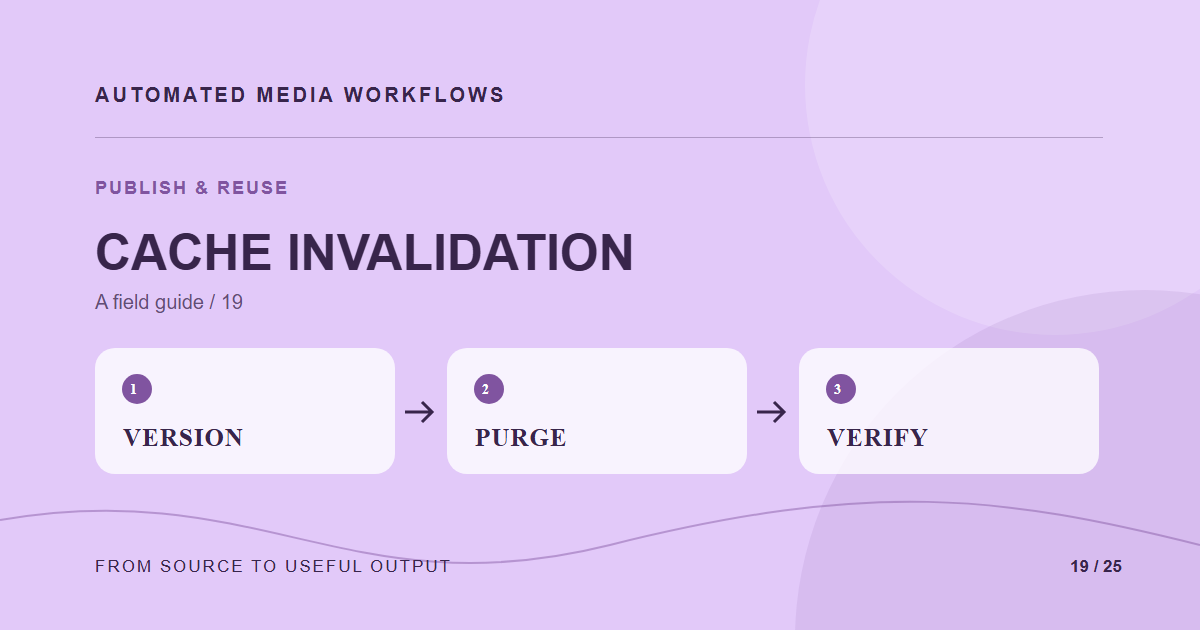
Replacing a source file does not guarantee visitors see the new image. Browsers, CDNs, image transformation services, and the CMS can each keep a cached response. Plan the URL and invalidation strategy before the first urgent replacement.
Prefer versioned URLs
An immutable delivery URL with a version in its path or name makes cache behavior predictable. Publishing a new approved version points content to a new URL, while the old URL can finish its cache lifetime. This often avoids a broad purge that affects unrelated assets.
Know which layer owns the stale copy
When an image looks old, compare the media record, generated derivative, origin response, CDN response, and browser request. Check headers and exact URLs. A CMS page can hold an old URL even after the CDN has purged the newer one. Fix the source of the reference instead of repeatedly clearing every cache.
Purge narrowly when needed
If stable URLs are required, purge the precise file or prefix supported by the provider and account. Confirm the purge completed and then test the plain canonical URL in a fresh browser context. A query string may bypass a cache and create false confidence that regular visitors see the update.
Write an incident runbook
Record who can replace the asset, who can purge, which pages use it, and how to verify completion. Run the exercise once with a noncritical image before an urgent rights or brand correction makes the process time-sensitive.
A concrete example
A rights correction replaces a hero at a stable URL. The origin shows the new file but the public page still loads an old CDN response. Check the page reference and response headers, purge only the affected URL if needed, and verify the plain page URL in a new browser session.
Related reading
- Media Workflow Automation: A Practical Starting Guide
- Automate Product Images From Supplier File to Storefront
- Localize Media Assets Without Losing the Source Relationship
Primary reference
The Cloudflare cache purge documentation provides the underlying technical reference for this workflow.