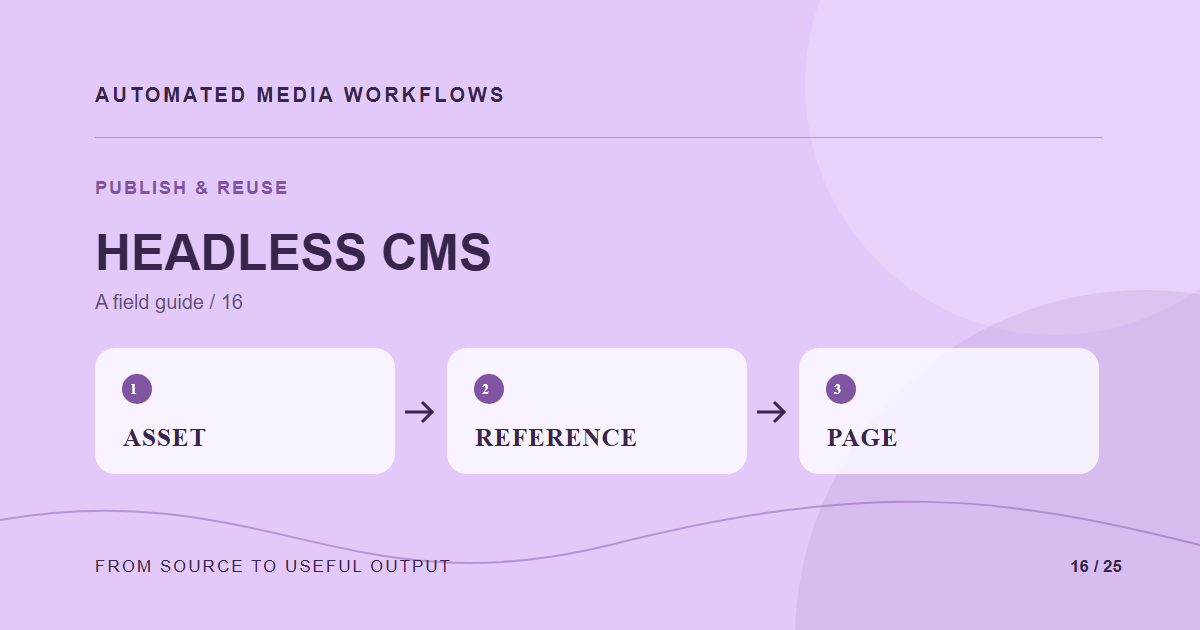
A headless CMS should store a reference to an approved asset and the placement instructions it needs. It should not become an uncontrolled second media library. The integration contract must say what happens when an asset is replaced, rejected, or removed.
Store stable references
Save the asset ID, approved version, alt text, and intended placement in content. Resolve the delivery URL when rendering or at build time, depending on the site architecture. Avoid hard-coding a temporary transformation URL in dozens of entries; that makes a recipe change expensive.
Define editor controls
An editor should be able to search, preview, and select approved assets without copying URLs by hand. Show useful metadata such as rights, locale, and focal point. Block or warn when a selected asset is not approved for the channel. Keep a clear path for requesting a missing variant.
Handle updates
Decide whether content follows the latest approved version or pins one version until an editor updates it. Both models can work, but the choice must be explicit. A webhook can trigger a rebuild or cache purge after approval changes; make that event idempotent so duplicate delivery does not create inconsistent pages.
Test the integration
Publish a page, replace the source, revoke approval, and remove a derivative. Verify the public result and editor preview in each case. The CMS record and the media record should tell the same story about what is live.
A concrete example
A CMS entry references an asset ID and says it is the article hero. The media library returns the approved version and a hero derivative. When a replacement is approved, the integration either updates the page or leaves it pinned, according to the site’s chosen rule. The editor sees that choice in preview.
Related reading
- Media Workflow Automation: A Practical Starting Guide
- A Caption and Subtitle Workflow for Published Video
- Repurpose One Approved Asset Across Social Channels
Primary reference
The WordPress media REST reference provides the underlying technical reference for this workflow.